FAQ
I already back up my iPhone to a NAS. Why would I need Foldic?
Because of what the NAS keeps — and what it throws away. The photo-backup apps that ship with today's mainstream NAS systems do not preserve your albums. If your phone has fifty albums, the NAS ends up with one: every photo and video you have ever taken, sorted into year/month/day folders. Thousands of pictures, years of them, forced into a single pile. The albums you spent years curating — the trip, the kid's first year, the project — are gone from the copy.
Foldic mirrors the albums themselves: fifty albums on the phone become fifty folders on the drive, each holding the original files, and it keeps them in step as you add and reorganize. That is the backup we actually wanted, and the reason Foldic exists. The two are not exclusive — Foldic's destination can be a NAS mount — but only one of them keeps your albums.
How much does Foldic cost?
The download is free and everything is unlocked for seven days. After that, browsing your albums and their backup status stays free; running a backup, auto-sync and deep compare need Foldic Pro — $2.99 a month, $29.99 a year, or $39.99 once. One plan covers Mac and iPhone on any device signed in to your Apple Account. Prices are shown in your local currency in the app.
I bought Foldic when it was a paid app. What changes for me?
Nothing. If you bought Foldic before it became free, everything stays unlocked forever, on Mac and iPhone, with no trial and no plan to choose. The app recognises this from your original purchase date on your Apple Account, so it survives reinstalls and new devices. If you ever see a trial countdown, press Restore Purchases, or read the note and email me.
What does the iPhone version need?
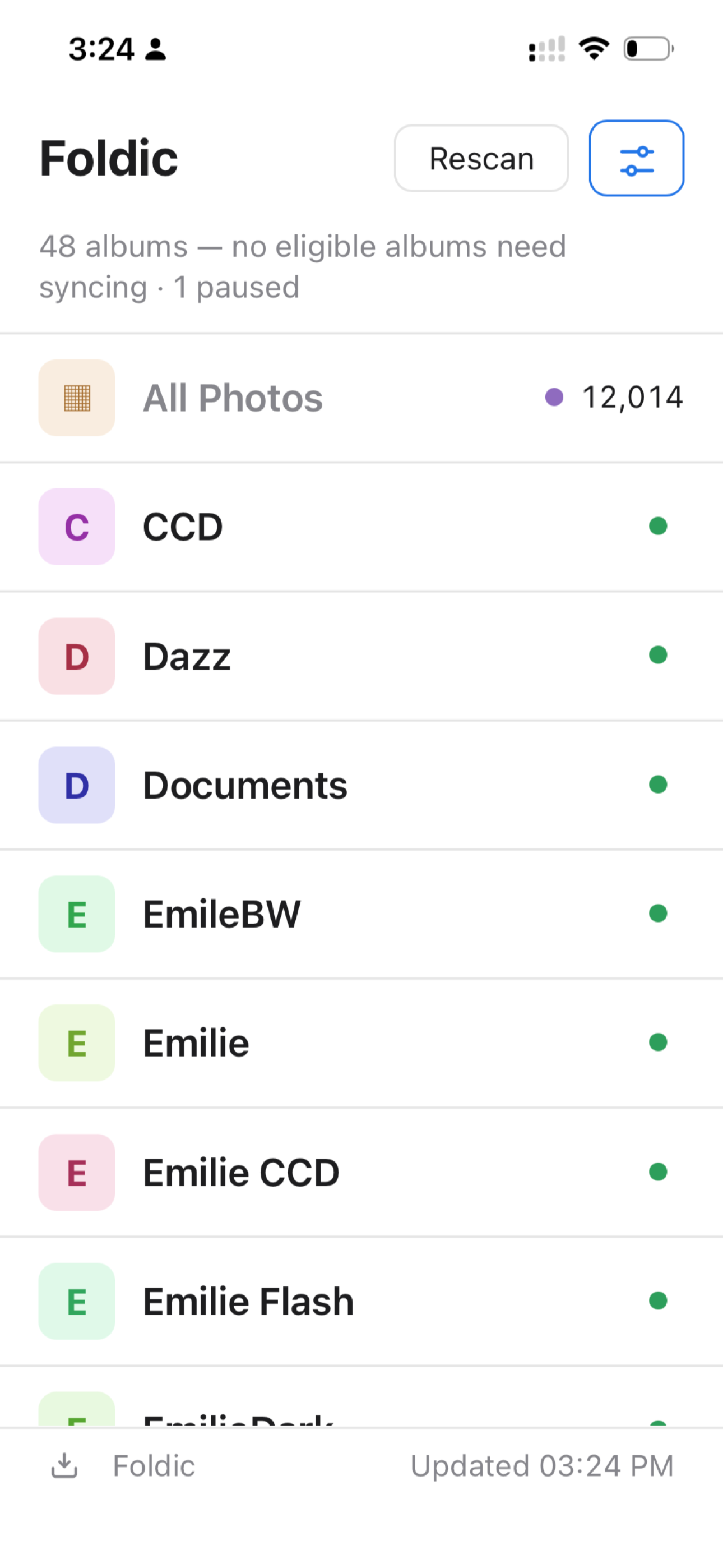
An iPhone with a USB-C port and a drive it can read — exFAT, FAT32 and APFS all work. A bus-powered NVMe SSD is the natural pairing: fast enough that the copy is limited by your photos, not the disk. A spinning drive may need its own power supply. You can also copy to anywhere the Files app can reach, but an attached drive is the point of it.
Can I use any USB drive I plug into my iPhone or iPad as Foldic's backup space?
Yes — as long as the drive is in a format the iPhone can read. exFAT is the safe choice, and it is what we recommend. Most external drives sold today come formatted for Windows (NTFS), which iOS does not recognize at all: plug one in and nothing appears, so Foldic has nowhere to write. Format it as exFAT once on a Mac or PC (Disk Utility on the Mac, choosing exFAT), plug it into the iPhone, and it shows up in Files and in Foldic. FAT32 and APFS work too; exFAT is simply the one every computer can also read afterwards.
My iPhone has a Lightning port. Can Foldic back up to a drive on it?
No — and we cannot support it. On Lightning iPhones (iPhone 14 and earlier), iOS very often does not recognize an external drive at all, even through Apple's own Lightning-to-USB camera adapter: the port cannot power most drives, many formats and adapters are not accepted, and when the drive does not show up in Files it is not offered to any app either, Foldic included. This is a limit of the phone and of iOS, not a setting we can change, so Foldic on iPhone requires a USB-C model. Background on why, in detail.
If you have a Mac, you are not stuck: back up from the Mac instead, following the iCloud → Mac steps in the next answer — your albums come across with their structure intact.
My iPhone is older and has no USB-C port (or no adapter/hub). How do I back up with Foldic — and does connecting it to my Mac by cable help?
A cable connection does not help. Importing photos from the phone into the Mac over a cable (Photos import, Image Capture, or copying to an external SSD) does not preserve your album structure — Apple flattens everything into one pile, and Foldic on the Mac only ever sees the Mac's own Photos library, not a library or loose files you put on an SSD. So that route gives you exactly what you don't want.
For an older iPhone, go through iCloud instead — the phone and the Mac never need to touch:
- Buy one month of iCloud storage, enough that your iCloud plan is larger than the photos on your phone.
- Let the phone's Photos finish syncing to iCloud completely.
- Install Foldic on your Mac and back up from the Mac. The phone and Mac do not need to be connected — a cable import wouldn't help anyway, because Apple won't keep your album structure that way.
- Wait for Foldic on the Mac to finish syncing from iCloud. Your albums come down with their structure intact, and Foldic mirrors them to your drive as ordinary folders.
- Afterwards you can cancel the iCloud plan or keep it — either is fine.
The USB-C iPhone version of Foldic exists precisely so newer phones can skip iCloud and copy straight to a drive; without a USB-C port, the iCloud → Mac route above is the clean way, and it is the one that keeps your albums.
Does the iPhone version need internet or iCloud?
Neither, and this is the point of the iPhone version. No iCloud subscription, no account, no connection: photos move from your device straight to the attached drive, and nothing is uploaded to any service, Foldic's or Apple's. You can do it on a plane. If you have deliberately stayed off iCloud, this is the way to get every album out of Photos and onto a disk you own.
The one exception is Optimized Storage. If your library keeps full-resolution originals in iCloud rather than on the phone, those have to be fetched before they can be written, and that needs a connection. Photos already on the device are copied offline.
Why does copying stop when I leave the app on iPhone?
iOS does not let an app keep an external drive open once it is off screen, so Foldic keeps the screen awake and asks you to leave it in front while a copy runs. Nothing is lost if you do switch away: copying is incremental, and starting it again continues where it stopped. A large library can be done across several sittings.
Does Foldic modify my Photos library?
No. Foldic is strictly one-way: it reads your albums through Apple's PhotoKit (the Photos app and iCloud) and writes files to a folder you choose. It never edits, deletes, or reorganizes anything in your Photos library — and it never deletes photos from iCloud. Sync only ever flows in one direction: from your library to your folder.
I want to move photos off my iPhone — back them up to a drive, then delete them. How do I do that safely?
You can, but do it in this order:
- Sync first. Let Foldic sync the album to your drive (say, to
Foldic/Album01/) and open the folder to check the files are all there.
- Copy it outside the mirror. Copy the whole folder to a separate place on the drive, for example
Forever-Backup/Album01/. That folder must be outside Foldic's backup folder — Foldic will never touch it.
- Now delete. Remove the album in the Photos app. The files under
Foldic/Album01/ become orphans — depending on your "Auto-delete orphans (to Trash)" setting they are kept or moved to the Trash. Either way, your permanent copy sits safely in Forever-Backup/Album01/.
Guard that permanent copy well — from this moment it is your only one (Photos keeps deleted items in Recently Deleted for 30 days). Important memories deserve a second copy on another drive. And Foldic itself never deletes photos from your phone: its access is read-only by design — a backup tool should not hold the power to delete your originals.
Can I keep browsing photos in the Photos app and iCloud, and always have an identical folder copy on my Mac?
That is Foldic's everyday mode on the Mac — set it up once and forget it: choose a destination folder, then enable "Auto-sync when albums change" in settings (⚙︎). Keep Foldic open and use Photos and iCloud as usual; every change is mirrored to the folder automatically. You end up with two copies: your library in Photos + iCloud (browsable anywhere), and an identical folder of plain files on your Mac. This works even with "Optimize Mac Storage" turned on — "Download originals from iCloud when needed" is on by default, so syncs fetch the real originals.
Where do my photos go?
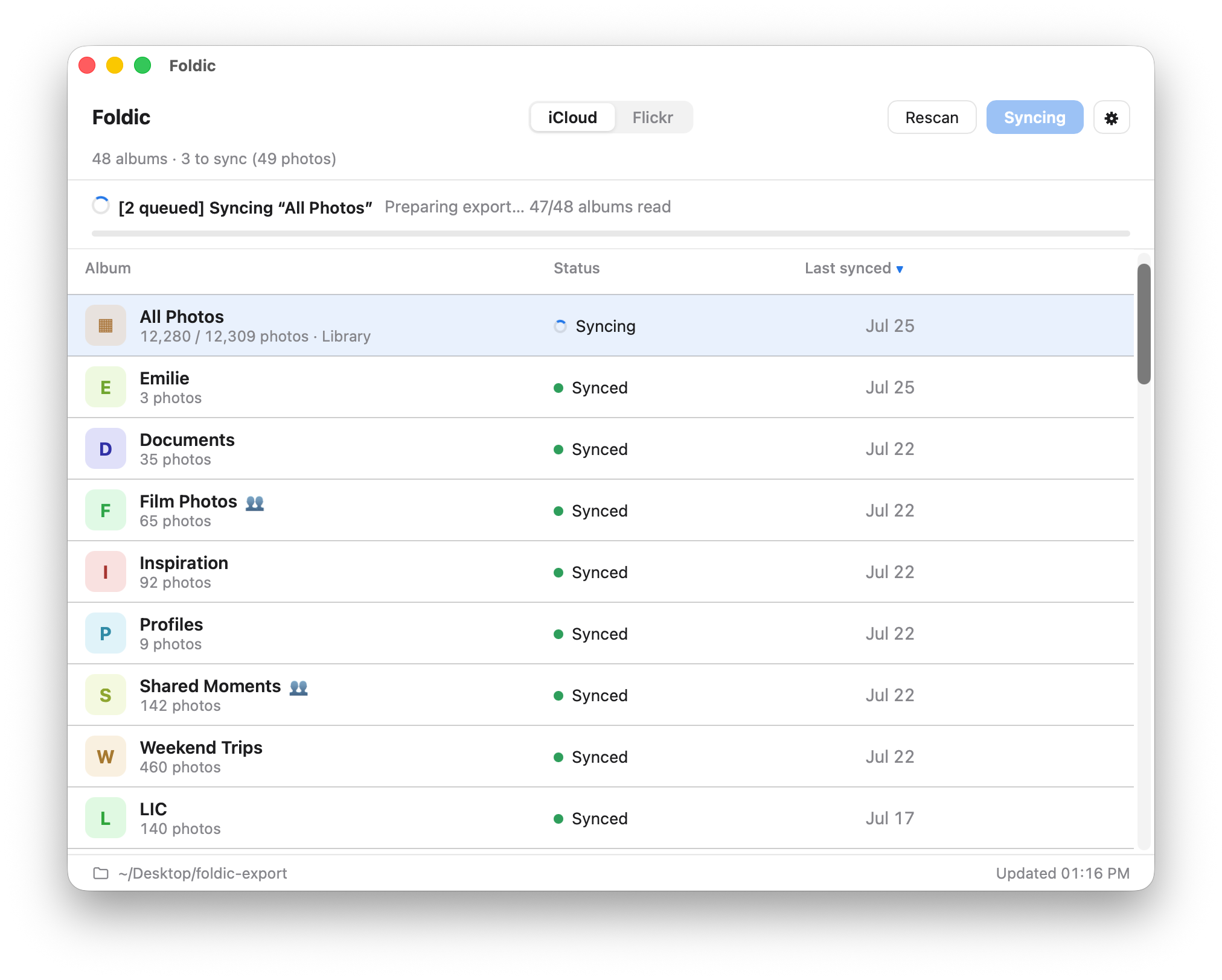
To a folder you pick — on your Mac, an external drive, or a NAS mount. Each album becomes its own subfolder of original-quality files.
Does the backup include my edits?
No — Foldic backs up the original file as your camera captured it, not the rendered result of a crop, filter or adjustment. Edits live in the Photos app's own database, and the backup deliberately holds the untouched original: it is the highest-fidelity copy, it never re-encodes, and it keeps one file per photo. If you would rather also keep the edited version, turn on Back up edited versions too in settings — each edited photo then gets a second file alongside its original, at the cost of more space and time.
The log shows the original (-r1) backed up but the edited version (-r2) failed with "PHPhotosErrorDomain 3302". What's wrong?
Nothing was lost. Every file ending in -r1 is the original photo, and those all backed up. Only the -r2 files failed — those are the edited versions (the rendered result of your crops, filters and adjustments), and only when you have turned on Back up edited versions too.
Why only the edited version? With iCloud's Optimize Mac Storage on, Photos keeps only what it needs locally and leaves the rest in the cloud. The edited version is not a stored file — Photos re-renders it on demand from the original's full-resolution pixels plus your adjustment data. When those full-size pixels have been offloaded to iCloud, Photos can neither hand over a finished edit nor rebuild one, so it returns error 3302 instantly (that's why it fails in milliseconds instead of downloading). The original still backs up fine because it is either on disk or cheap to fetch.
How to fix it: open the Photos app → Settings → iCloud → choose Download Originals to this Mac, let it finish, then run the backup again — Photos now has what it needs to rebuild the edited versions. Or, if you only want originals, turn off Back up edited versions too and the errors disappear with nothing lost.
If a few edited versions still fail after downloading originals, those edits were usually made by another app or a much older system version that this Mac cannot re-render. Back up the original (with edited versions off), or export from the device where the edit was made.
What about Live Photos?
Both parts are exported: the still image and the paired video file.
How fast do iPhone photos show up?
As soon as iCloud syncs them to your Mac. Keeping Photos.app running makes iCloud deliver faster; Foldic also re-checks your library every few minutes.
How do I back up an iCloud Shared Album?
Shared Albums are invitation-based albums that other people can view or contribute to. They are different from an iCloud Shared Library. First, make sure the Shared Album appears and has finished syncing in Photos on your Mac. Foldic labels it shared; sync it like any other album to export every item you can currently access into its own folder.
Foldic is one-way: it never posts, edits, or restores content in a Shared Album. Shared Albums do not necessarily expose the original uploader’s full-quality file, so Foldic exports the highest-quality version that Apple Photos makes available to you.
If an owner removes your access, deletes the Shared Album, or removes an item from it, Foldic marks the affected local exports as orphaned after its next scan. It never deletes those files automatically.
Does Foldic back up Smart Albums?
Smart Albums are live, rule-based views in Apple Photos, such as Favorites, Videos, or albums you create with rules. Foldic currently backs up regular albums, iCloud Shared Albums, and All Photos. It does not yet mirror other Smart Albums as separate folders.
To ensure those photos are backed up today, sync All Photos, or add the photos you want to preserve as a separate mirror to a regular album.
What happens if I remove or delete a photo in Apple Photos?
It depends on where you remove it. If you remove a photo from an album, it remains in your Photos Library and in any other albums. After Foldic scans again, only the exported copy in that album’s folder is marked as orphaned.
If you delete a photo from your Photos Library, Apple moves it to Recently Deleted and removes that photo from every album that contains it. After Foldic scans again, all affected exported copies — including copies in album folders and, if enabled, the All Photos mirror — are marked as orphaned.
Foldic never deletes exported files automatically. You decide whether to keep or remove orphaned files.
Flickr downloads slow down or stop for a while — is something wrong?
No — this is Flickr, not Foldic, and it is expected on large libraries. Flickr's file servers enforce a strict per-IP limit: only a limited number of original photos can be fetched from one IP address per day. Download quickly or in bulk and Flickr treats it as crawling and refuses further downloads for a while. The limit applies only to full-resolution originals, so your everyday Flickr browsing is not affected.
There is no real workaround. When Flickr starts throttling, Foldic slows down, waits, and retries on its own. Just leave it open — or come back the next day: files already downloaded are never fetched twice, sync is incremental, and the whole library eventually comes across. A very large account can take a few days; that is Flickr's limit at work, not a bug.
Does Foldic collect any data?
None. No analytics, no telemetry, no account. Read the full privacy policy.